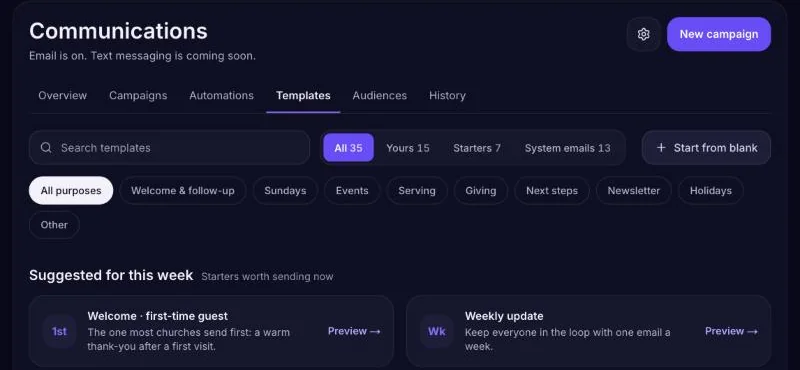
Templates
Templates are emails you can reuse — a monthly update, an event invite, a volunteer thank-you. Find them in Communications → Templates.
- Start a template — Begin from one of the ready-made templates, or from blank.
- Write and design it — Add your text, pictures and buttons. Use the insert options for the person's first name and your church name.
- Save it — It's now available when you create a campaign.
Who emails come from
Open Communications → Sending settings (the gear next to the tabs) to set:
- Who it's from — the name people see in their inbox, usually your church name.
- Reply-to address — where replies go. Use an inbox someone checks.
- Sending domain — optional. Sending from your own domain helps your emails land in the inbox. Changes can take up to 48 hours to show.
History
Communications → History lists every email Steadyfaith has sent for your church — campaigns and automations — and whether each one was sent, bounced or failed. Use it to answer "Did they get my email?"