Do these the week before your first Sunday with Steadyfaith. Each step links to the full guide if you need more detail.
The checklist
- Add your church details — In Settings → Church, check your church name and upload your logo and brand color. These show on the check-in form guests see. Settings & branding
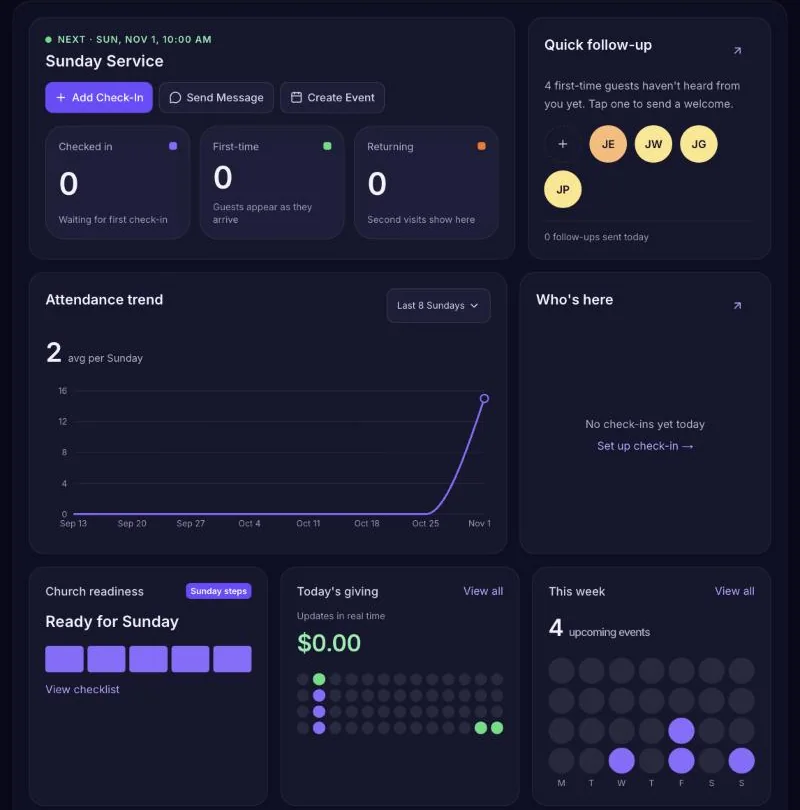
- Get your check-in QR code — Click Share Check-In Link at the top of the dashboard and download the QR code. Print it for the entrance, or put it on the screen before service. Guest check-in
- Set up a greeter station — For people who'd rather not use their phone, open Attendance → Check-In Mode on a tablet or laptop. Invite a greeter from Settings → Team so they can sign in. Check-In Mode
- Turn on the welcome email — First-time guests get a warm welcome email after they check in. Check it's on, and read it through, under Communications → Automations. Automations
- Test it yourself — Scan the QR code with your own phone and check in. Make sure you show up in Attendance, and that the welcome email arrives.
On Sunday
- Keep a few printed QR codes at the entrance and on seats or tables.
- Mention it from the front: "Scan the code on your seat to let us know you're here."
- Have your greeter stand near the door with the tablet for anyone who needs help.
After service
Open Attendance to see who came and People to see your first-time guests. Most churches reach out to new guests within a day or two — the welcome email does the first touch for you.